Asha Madison is a non-profit organization and also an active Student Group at University of Wisconsin-Madison. It is a completely volunteer driven organization, comprising of dedicated individuals from UW-Madison and the Madison area, striving to make a difference to the society. We believe that education is one of the primary factors in shaping a child’s future and by extension, future of the entire country.
Asha Madison works towards promoting the education of underprivileged children in India by providing financial assistance and support to the NGOs focused on education projects. Volunteers of Asha work closely with the project partners in India, while locally organizing fundraisers and community awareness events. Asha Indian Music and Dance Night in the fall and Asha Mela in the spring are popular events in Madison, and are Asha Madison’s primary fundraisers, which directly help support several education projects in India. These events are continuing to grow every year with continual efforts of its volunteers and the support of patrons.
Learn more by joining us at our meetings
Regular Meeting Schedule:
2nd and 4th Tuesday of every month
Next Meeting
Time:
7:00 PM, Tuesday, January 10th, 2023
Venue:
Union South, 1328 W Dayton St, Madison, WI 53715
Interested in Volunteering with Us?
Fill out this form if you are interested to volunteer with Asha Madison.
Join our mailing lists to get Asha updates
Member’s list –
asha-madison@ashanet.org
Moderated (~2-3/week), meeting agenda/minutes and small events are announced here!
Subscribe to this email list by sending an email to
asha-madison+subscribe@ashanet.org
Our meeting minutes can be found here.
Keep in touch over Facebook
To keep up with latest events around our chapter
- Like our Facebook page.
- Follow us on Instagram.
Work an Hour Campaign
Work an Hour 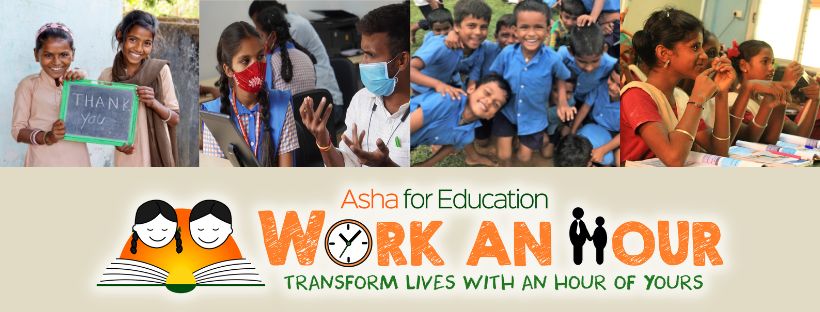
Asha for Education’s annual Work an Hour campaign features Nirmaan Vidya Helpline, a project in Telangana, India supported by Asha for Education: Madison Chapter.
Donate an hour or more of your salary towards supporting Asha Madison’s effort of providing quality education and creating livelihood opportunities for underprivileged children.
Visit the Work an Hour website to learn more.
Donate Here!
- Recent fundraiser event
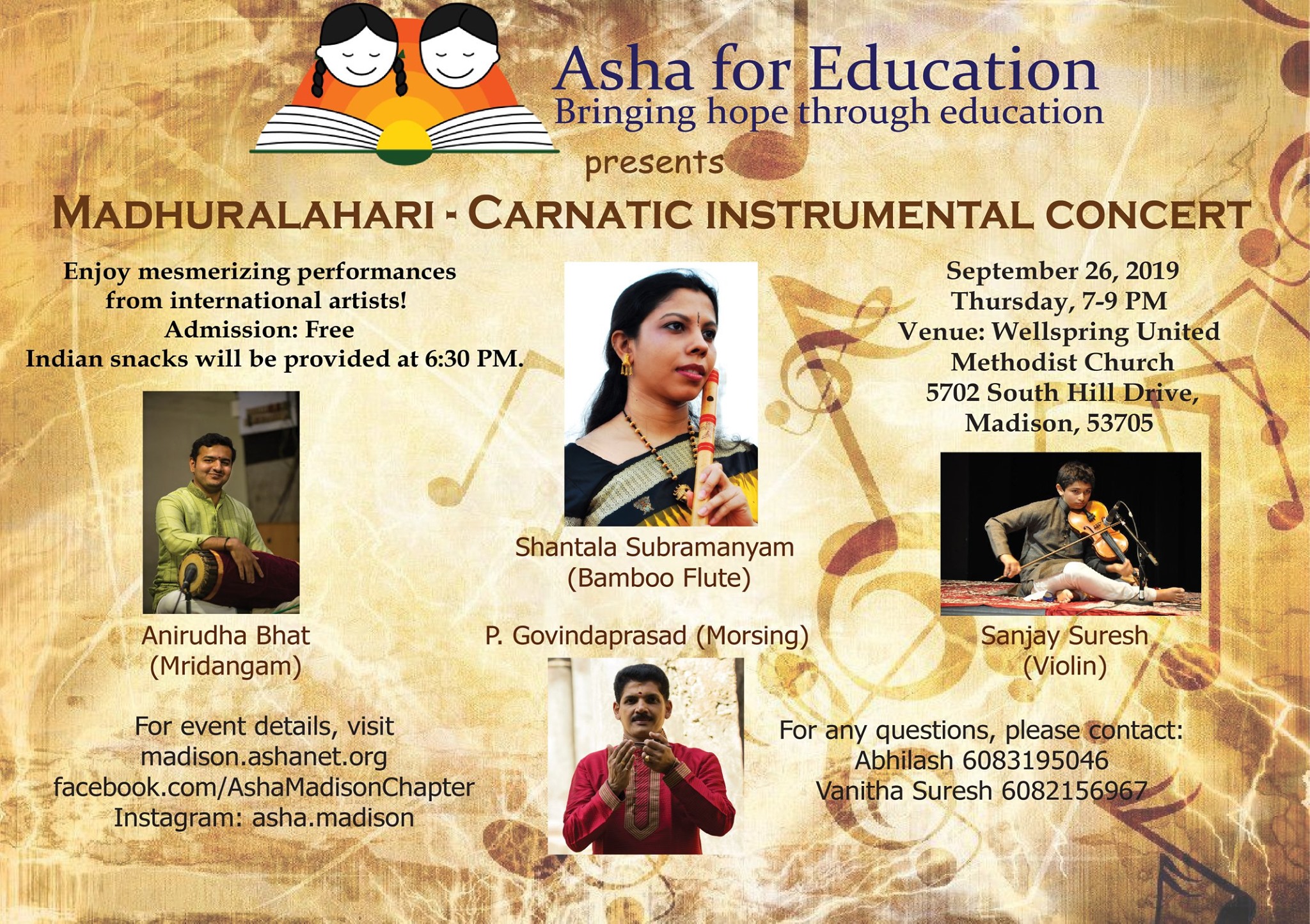 Madhuralahari – A Carnatic Instrumental Concert
Thursday, September 26th, 2019
Venue: Wellspring United Methodist Church, Madison, WI.
Event page - New Project Alert!
Ballygunj Society For Children In Pain – CHIP Mumbai
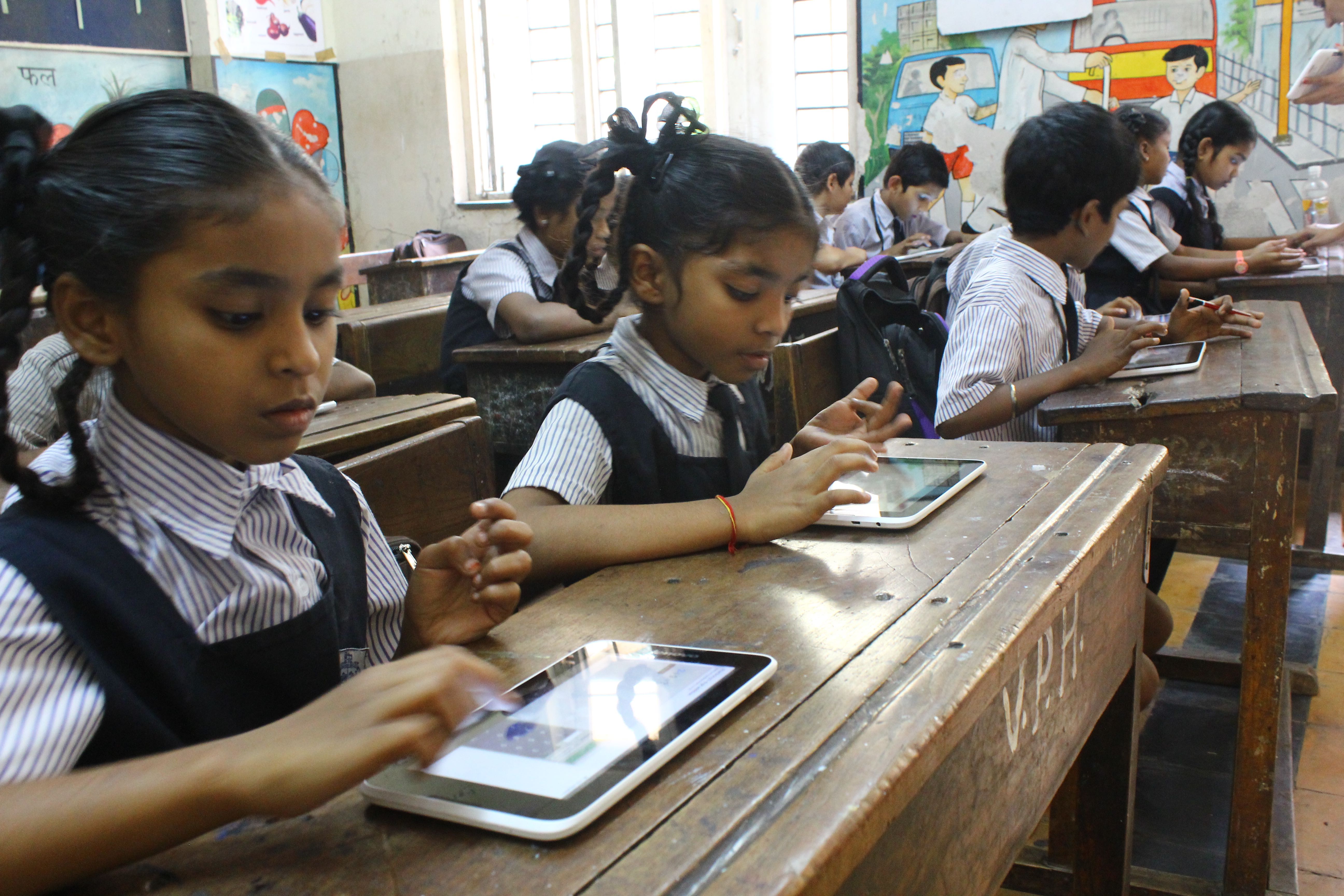 CHIP Mumbai Project
Project Page
Donate to the Project - New Project Alert!
Nirmaan Organization – Nirmaan Vidya HelpLine
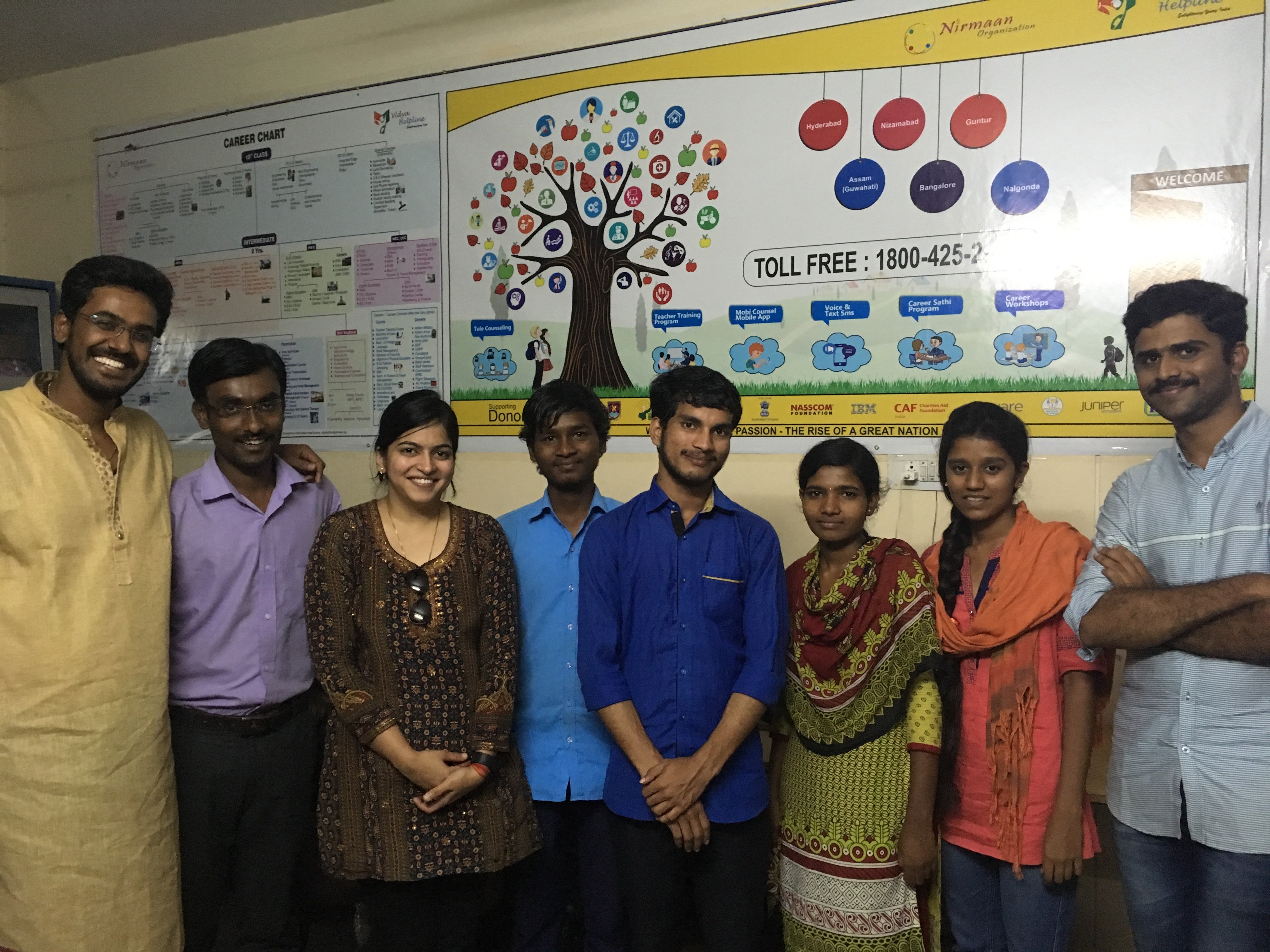 Nirmaan Vidya HelpLine team with Asha Madison’s Project Steward, Tanushree Rawat
Project Page
Donate to the Project - Recent fundraiser event:
 Run For Hope – 5k Run/Walk
Saturday, May 18th, 2019
680 The Howard Temin Lakeshore Path,
Madison, WI 53706.
Event page - Recent fundraiser event:
 Asha India Fair
Sunday, August 26th, 2018
Oscar Rennebohm Park,
115 N Eau Claire Ave, Madison, WI 53705
Facebook event page - Recent fundraiser event:
 Basant Utsav – A Celebration of Spring
March 10, 2018
401 N. Blackhawk Ave, Madison, WI 53705
Donation Link
Facebook event page
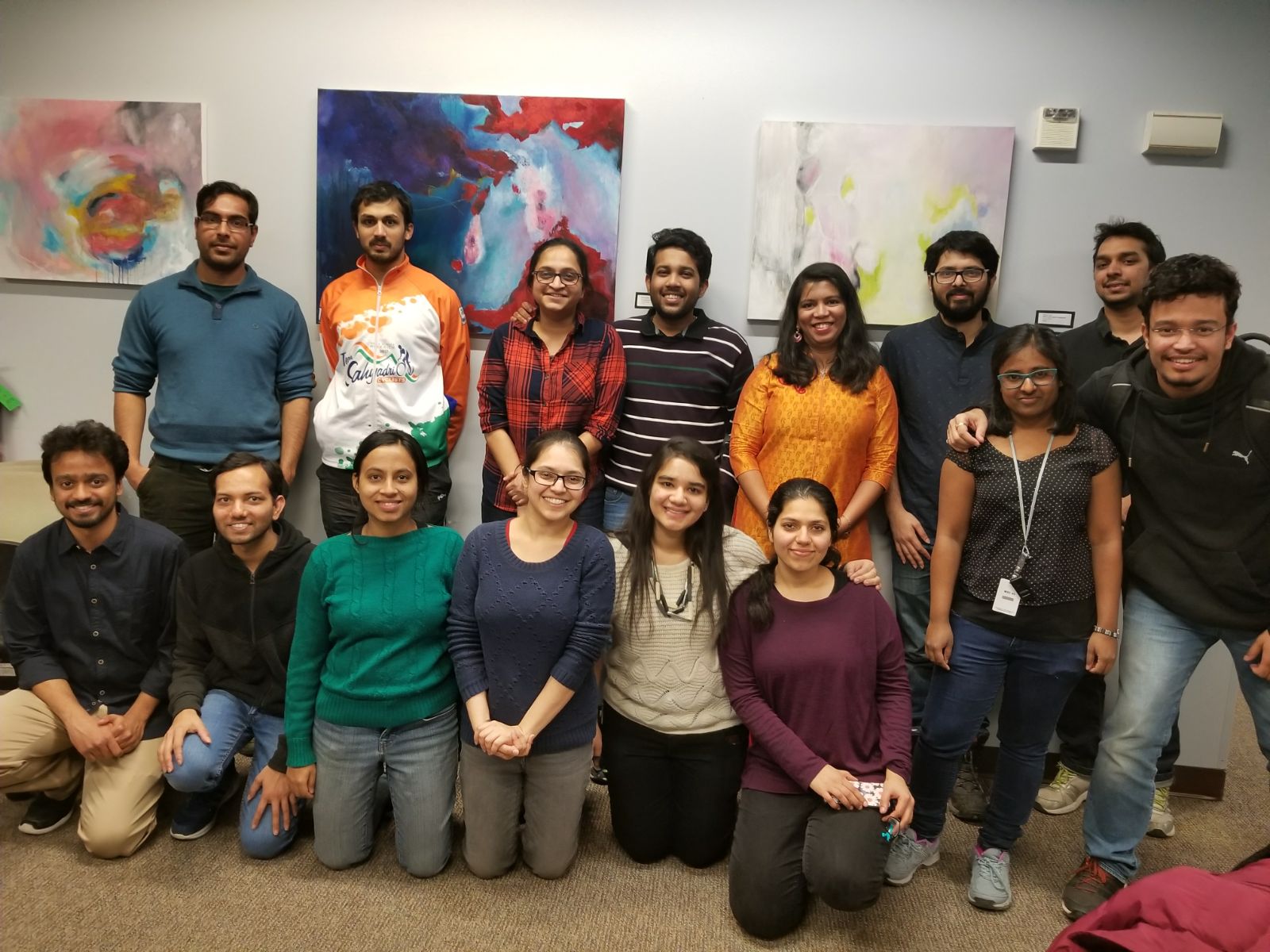
Picture Gallery - Current Team: Asha for Education – Madison Chapter
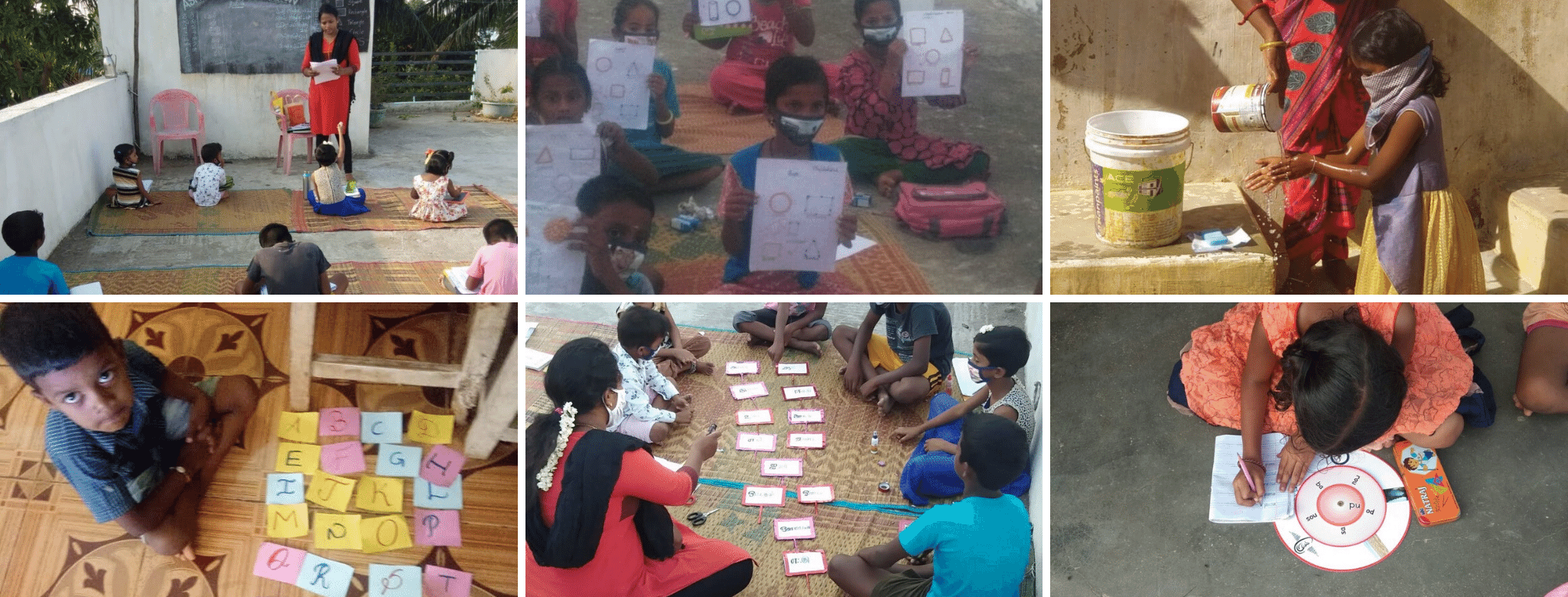
Asha Chennai - Mini Schools during lockdown
- All the schools that Asha Chennai supports were closed down by middle of March. They are yet to open and ...more
-
Please Donate for a good cause.
 All donations go towards projects that Asha for Education – Madison Chapter has been and will be working with, and help a child get education. Donate here.